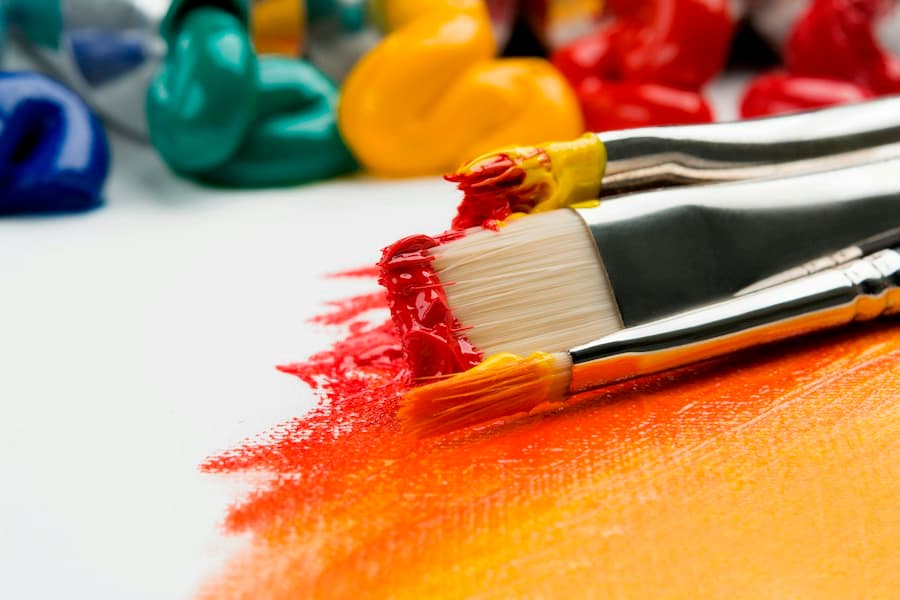
Text to image
Describe a scene, a subject or a mood in plain language and get an image back.
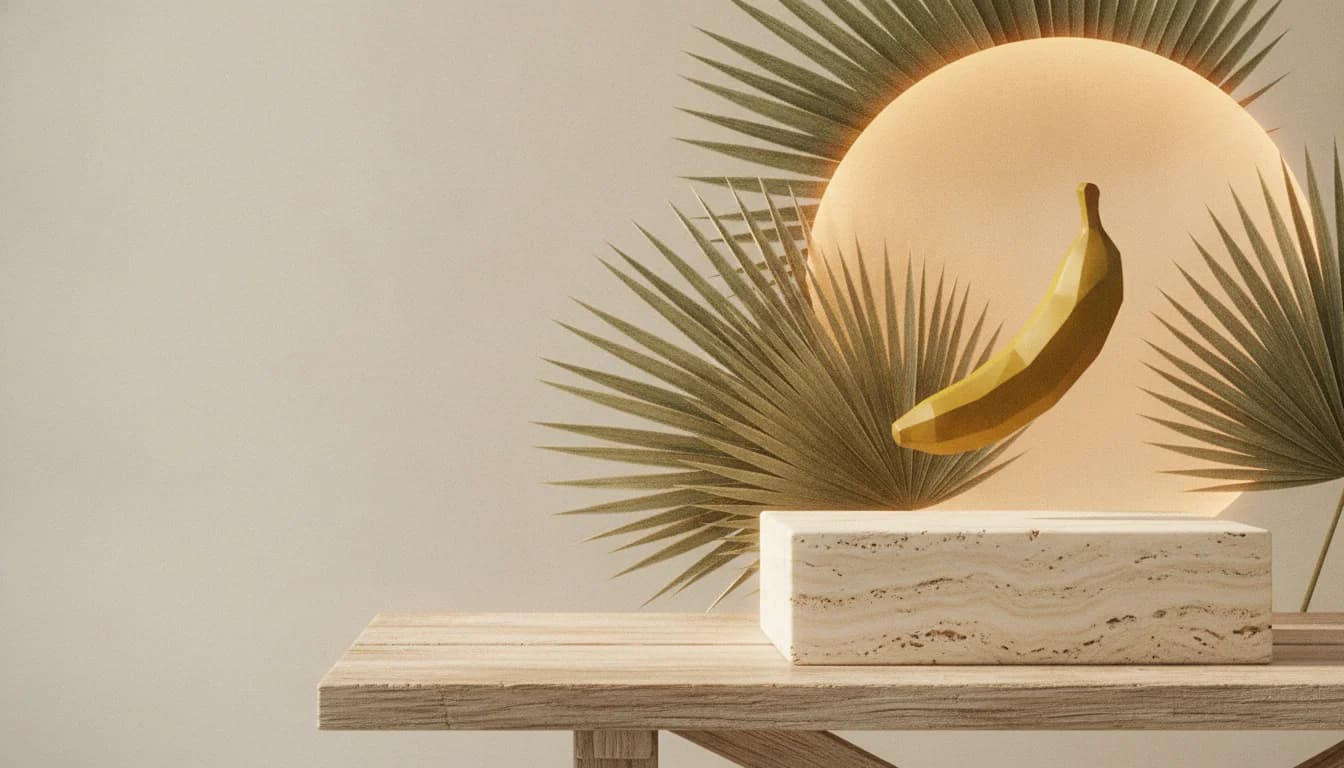
Create with Nano Banana: turn a text description into an image, or upload a reference and edit it with words. Choose square, wide or tall.
Hero artwork generated with Nano Banana through APIMart.
What you can do
A small, focused studio for two things: making images from words, and reshaping an image you already have.
Describe a scene, a subject or a mood in plain language and get an image back.
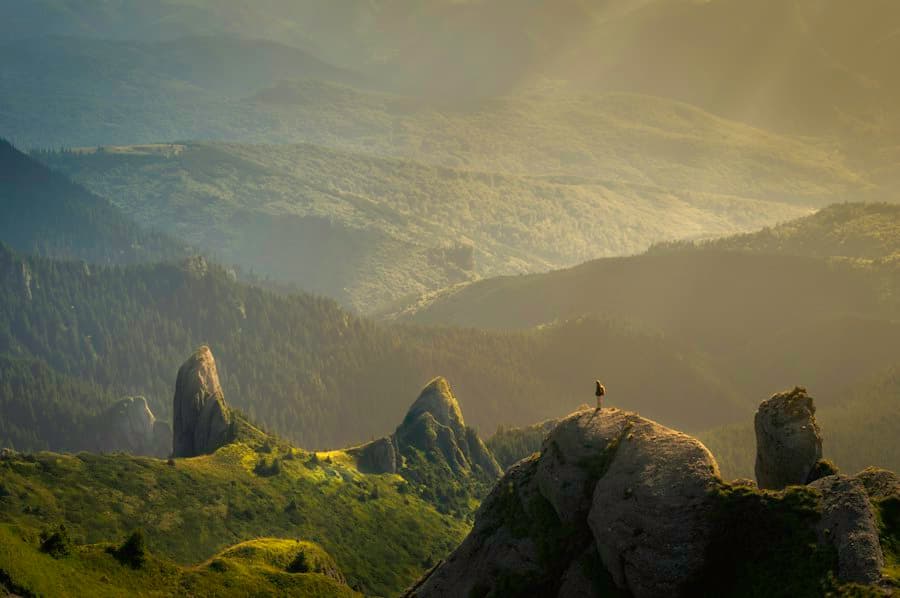
Add a PNG, JPEG or WebP, then describe the change you want to see.
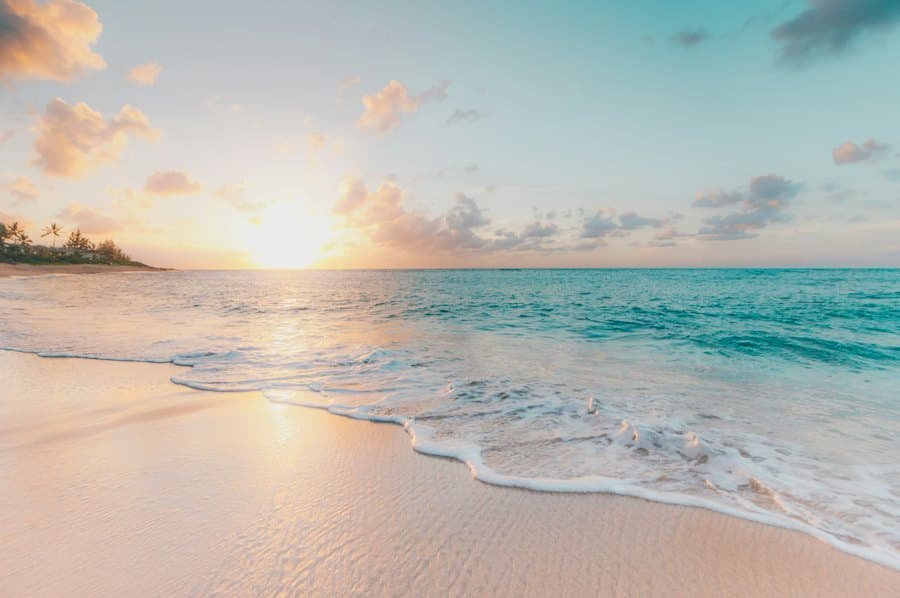
Choose 1:1, 16:9 or 9:16 before you generate, so the frame fits where it is going.
See the result on the page and save it to your device when it is ready.
Stock photographs shown as visual inspiration. They are not Nano Banana outputs.
How it works
Nano Banana is associated with Google's Gemini image generation and editing. This site is an independent creative tool that uses an external provider, and is not an official Google site.
Google image generation docs(opens in a new tab)Write what you want to see, or start from one of the example prompts. Specific details about light, setting and style help.
Optionally upload an image to edit or build on, then choose 1:1, 16:9 or 9:16.
Watch the progress, review the result, and download it. Adjust the prompt and try another image after the short request cooldown.
Prompt ideas
Pick a prompt to drop it into the generator, then make it your own.
 Stock photo, visual inspiration
Low cloud rolling over green valley cliffs as the sun breaks through, a thin road curving into the distance
 Stock photo, visual inspiration
A narrow dirt path through tall pines, shafts of warm light between the trunks, deep green shadows
 Stock photo, visual inspiration
Concentric rings of stones set into vivid green grass, hills on both sides, a low sun burning on the horizon
 Stock photo, visual inspiration
Orange poppies seen from below against a clear blue sky, soft focus background, bright and airy
 Stock photo, visual inspiration
Rolling wheat field at sunset with long rays through distant trees, warm haze, wide panoramic composition
 Stock photo, visual inspiration
Sunrise breaking over misty rolling hills, lone trees in silhouette, glowing orange haze above dewy grass
Photos are stock images shown as visual inspiration. They are not claimed to be Nano Banana outputs.
FAQ
What this tool is, what it is not, and what happens to your prompt.
Nano Banana is a name associated with Google's Gemini image generation and editing capabilities. This site is an independent creative tool that lets you create images from text and edit images from a reference, using Gemini 2.5 Flash Image through APIMart.
No. This is an independent creative tool and is not an official Google site. For Google's own description of image generation and editing in Gemini, see the Gemini API documentation linked on this page.
Type a description into the prompt box, choose 1:1, 16:9 or 9:16, and press Generate. Mention the subject, setting, light and style for the most useful results. You can start from an example prompt chip and edit it.
Upload a PNG, JPEG or WebP image up to 2 MB, then describe what should change or what the new image should keep. The reference is previewed in your browser before you send anything.
Three: 1:1 for square, 16:9 for wide and 9:16 for tall. You pick the ratio before generating.
When you press Generate, your prompt, ratio and optional reference image are sent to this site's server, which forwards them to APIMart to create the result. The site does not save a permanent gallery; APIMart processes and hosts the generated result under its own policies. Avoid uploading private or sensitive images, and review the provider's own terms and privacy information.
Generation time depends on the provider queue and the request. The preview shows the reported status. If waiting pauses, use Check status to continue the same task. Download completed images promptly: provider image links are temporary and this site’s task access expires after 24 hours.
Not necessarily. Image generation is interpretive, so results can differ from your description and from a reference image, and fidelity is not guaranteed. Refine the prompt and try again to get closer.
The banana still-life hero background was generated with the connected Nano Banana model through APIMart. The feature and prompt-gallery photographs are stock images used for visual inspiration, labelled accordingly. They do not show the output of those prompts.
Check the terms of the image provider and Google's documentation, and make sure you have the rights to any reference image you upload. This site does not give legal advice or grant any licence.